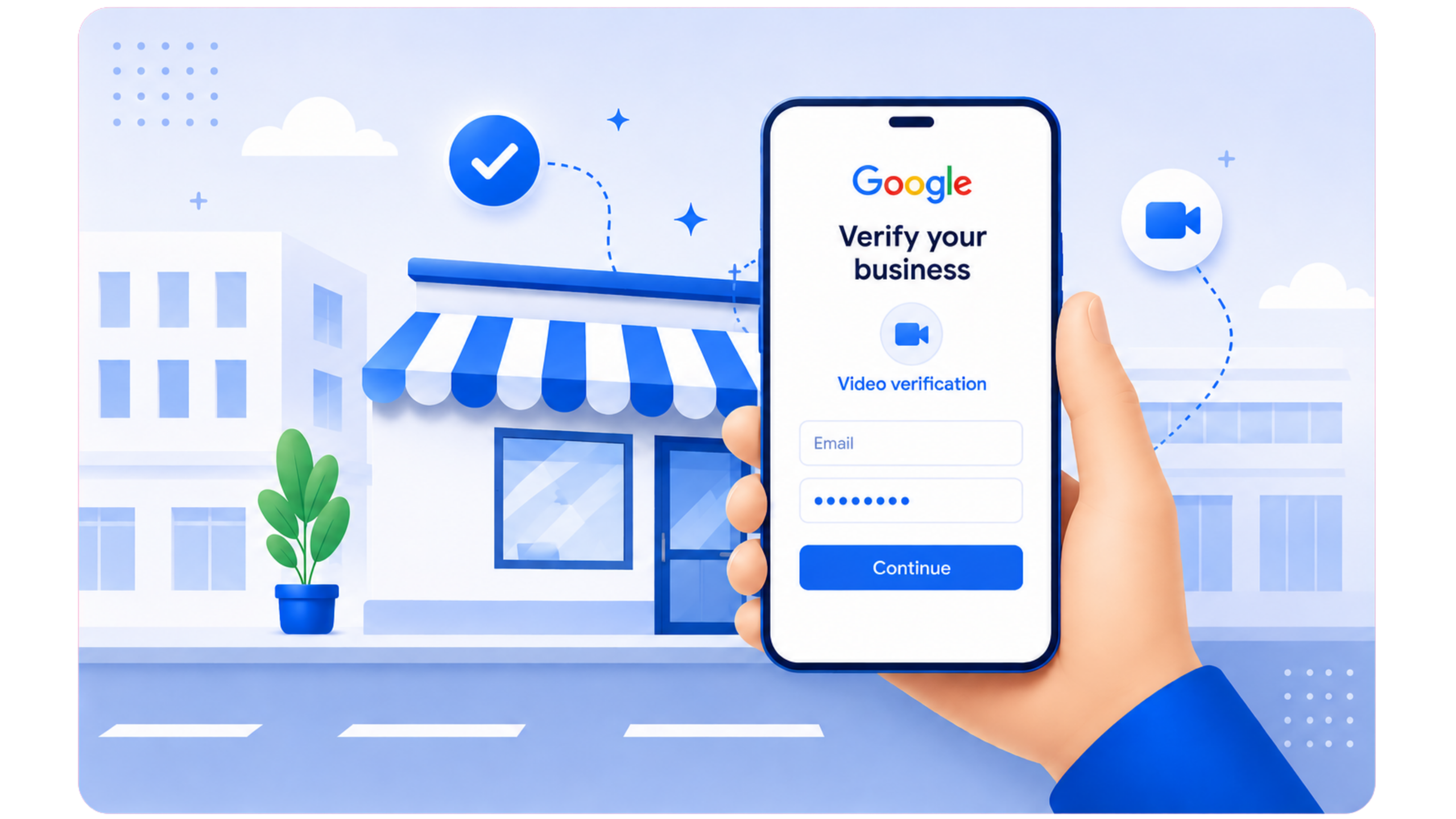
Can you use Google Meet for Google Business Profile verification? The answer depends on the verification method Google provides for your business. A live video call may be available in certain situations, but scheduling a Google Meet session independently will not verify your business. You must follow the instructions provided through your Business Profile or an official Google support process.
Google Business Profile enables eligible businesses to manage their presence on Google Search and Maps. Verification helps Google confirm that a business is genuine and that the person managing its profile is authorized to represent it. Available verification methods vary between businesses, so the options displayed in your account should determine how you proceed.
It is essential to understand the difference between live video call verification and recorded video verification. A live call allows a representative to communicate with you in real time when Google provides that option. Recorded video verification follows a separate process in which you capture and submit evidence through the Business Profile interface. A recording made during a standard Meet session should not automatically be treated as an acceptable alternative.
1. Can You Use Google Meet for Google Business Verification?
Google Meet is a video conferencing platform, while Google Business Profile verification confirms a business's eligibility and the manager's authority to represent it. These processes may overlap when Google offers an approved live video call as a verification method. In that situation, the call becomes part of Google's verification procedure, and you should follow the official joining instructions and evidence requests.
However, live video call verification is not necessarily available to every business. Google determines which verification options are offered for an individual profile. You may see recorded video verification, phone or email verification, or another available method. If your account only offers recorded video verification, arranging a separate Google Meet session will not replace that requirement.
Begin by signing in to the Google account that manages the correct profile. Open the verification prompt and carefully review the available instructions. If you need clarification, consult the official Google Business Profile Help Center instead of relying on unfamiliar contacts or unofficial meeting invitations.
If you are setting up a profile for the first time, reviewing Google verified business listing services may help you understand the setup and verification process. Creating a profile and verifying it are separate steps, and your business must meet Google's eligibility requirements before proceeding.
2. Understand the Available Verification Methods
The verification options displayed in your account determine the appropriate next step. Do not assume that a method available to another business will also be available for your profile. Google may update its verification options, and the suitable method can depend on your business profile and its specific circumstances.
| Method | How it works | Important point |
|---|---|---|
| Live video call | An approved live session may allow a representative to examine requested evidence in real time. | Use this method only when Google offers or directs you to it. |
| Recorded video | You capture business evidence and submit it through the Business Profile verification process. | Follow the latest recording and submission instructions. |
| Phone or email | If available, you receive a verification code through the method displayed in your account. | Enter the code only through the official verification process. |
| Other available options | Google may offer another verification method suitable for your profile. | Options vary, so follow the instructions provided in your account. |
Verification methods are designed for different purposes and cannot be substituted simply because they involve similar information. A live demonstration allows evidence to be reviewed in real time, while a recorded video must meet the specific requirements of Google's submission process. Before choosing an alternative, confirm that Google officially supports that method for your Business Profile.
For additional guidance, explore Google verified business listing services to better understand business eligibility and verification requirements. Use this information as general guidance and prioritize the verification options currently available in your account.
3. When Might a Live Video Call Be Available?
A live video call may be available when Google provides this verification option for your Business Profile. The official instructions should explain how to join or schedule the session. You may need an authorized representative at the business location, along with access to operational equipment and genuine evidence that can be demonstrated during the call.
During an approved session, a Google representative may ask you to demonstrate that your business operates as described in your profile. Depending on your business category, this could include the premises, permanent signage, relevant equipment, or restricted work areas. Evidence requirements vary, so prepare according to the instructions provided rather than assuming every business needs to present identical items.
Never assume a video meeting invitation is legitimate simply because it uses Google Meet. Confirm the appointment through the official account or support process that provided it. Be cautious of anyone claiming to represent Google who requests passwords, security codes, unnecessary payments, or remote access to your device.
Accurate business details and well-organized evidence can help you explain your operations more clearly. However, preparation does not guarantee that Google will offer a live call or approve your profile. Businesses that need ongoing assistance maintaining accurate listings can explore Google Business listing management services separately from the verification process.
4. What to Prepare Before Verification
Before beginning verification, review your Business Profile information and collect genuine evidence relevant to your operations. The objective is to demonstrate how your business actually works, not to create a temporary setup solely to meet Google's verification requirements.
Check the business information
Verify your business name, address or service area, phone number, website, category, and operating hours. Every detail should accurately describe your business. If you identify an error, review the permitted correction process before making changes. Avoid adding unnecessary keywords to your business name or listing a location that does not genuinely qualify.
Prepare evidence of the business operation
Depending on your business type, relevant evidence may include permanent signage, professional equipment, tools, inventory, a genuine workspace, or access to operational areas. Service providers may need to demonstrate the equipment used to deliver their services, while storefront businesses may need to show their entrance, signage, and customer-facing premises.
Protect private information
Keep passwords, security codes, financial records, customer information, and unrelated personal documents out of view. Present only the information required for verification. If a document contains sensitive details that are not necessary, follow Google's evidence instructions and avoid exposing private information unnecessarily.
Check eligibility and profile setup
Your business must meet the applicable eligibility requirements. A storefront that welcomes customers at its premises has different practical considerations from a service-area business that travels to customers. Ensure your profile accurately reflects your business operations. Google Business Profile optimization services can help improve profile accuracy and completeness, but optimization cannot replace the verification process.
5. Evidence for Storefront and Hybrid Businesses
A storefront business serves customers at an eligible physical location. A hybrid business may welcome customers at its premises while also traveling to customers or providing deliveries. If Google requests proof of a physical location, prepare evidence that connects your actual premises with the information displayed in your Business Profile.
During an approved live call, you may be asked to show the surrounding street or building, the entrance, permanent business signage, and relevant interior areas. The business name displayed at the location should correspond accurately to the profile. Clear footage of the premises can help demonstrate that the location is genuine and used for the stated business activities.
Depending on the verification instructions, you may also need to demonstrate access to a staff-only area or show equipment used in daily operations. Keep the camera steady and focus on relevant details. Avoid recording unrelated customers, confidential documents, or areas that have no connection to the verification request.
If your business has recently relocated, ensure the profile reflects the correct location and that your supporting evidence is consistent. Do not use temporary signage or borrow another company's premises to make your profile appear eligible. For genuine address corrections, review Google's current guidelines before updating your listing.
Businesses targeting local customers should also maintain consistent business information across relevant online directories. Citation building services can help identify inconsistent business listings and strengthen local business information consistency, but citations do not establish eligibility or replace Google's verification requirements.
6. Evidence for Service-Area Businesses
A service-area business travels to customers or delivers services instead of receiving customers at its business address. Examples include plumbers, cleaners, electricians, mobile repair providers, and other service professionals. These businesses should configure their profiles to accurately represent their operations and comply with Google's address and service-area guidelines.
If Google requests supporting evidence, relevant items may include professional tools, equipment, a genuine work vehicle, branded materials, or a workspace used to operate the business. You may also need to demonstrate that you manage the business or have the authority to represent it. Only present evidence that genuinely belongs to or is used by your business.
If you operate from home and customers do not visit your address, do not display your residential address publicly simply to make the profile appear more established. Configure the appropriate address and service-area settings. A home-based business should not be presented as a storefront unless it meets the applicable eligibility requirements.
Businesses operating across multiple locations should maintain accurate information for each eligible business location. Local SEO for service-area businesses can help improve local search visibility and organize location-specific information, but each Business Profile must still comply with Google's eligibility and verification guidelines.
7. What If Google Requires Recorded Video Verification?
If your Business Profile offers recorded video verification, follow that method instead of attempting to replace it with a Google Meet recording. Google's instructions explain how to capture and submit the required evidence. Because requirements can change, review the official guidance linked from your profile before recording your video.
- Open the correct profile. Sign in on a suitable mobile device using the Google account that manages your Business Profile.
- Start the official verification process. Select the option provided by Google and follow the recorded video instructions if that method is available.
- Review the evidence requirements. Identify the location, business operations, and management details you need to demonstrate.
- Record the required evidence. Follow the current instructions for video continuity, duration, and visible details. Do not assume an edited video or a recording from another application will be accepted.
- Review the recording. Confirm that the evidence is clear and does not unnecessarily reveal private information or unrelated individuals.
- Submit through the official process. Upload the recording as instructed and monitor the verification status displayed in your account.
If Google rejects your video, review the feedback carefully to determine which evidence may be missing. Common issues include unclear location details, insufficient proof of business operations, or difficulty confirming management authority. Address the specific concern identified in the feedback instead of repeatedly submitting the same recording without meaningful improvements.
For broader improvements to local search visibility, local SEO services can help strengthen your online presence and maintain accurate business information. These services do not alter Google's video verification requirements or guarantee profile approval.
8. Common Mistakes to Avoid
Business owners can encounter verification delays when they misunderstand Google's instructions or use an unsuitable verification method. Recognizing these common mistakes can help you follow the correct process and avoid unnecessary complications.
Assuming any Google Meet invitation is official
A calendar invitation or meeting link does not automatically confirm that a session belongs to Google's verification process. Verify the instructions through your official account or support interaction. Never share login credentials or security codes with someone claiming they can approve your profile through a private video call.
Using Meet instead of the required recording process
Live video calls and recorded video submissions serve different purposes. If Google requests a recorded video, follow the official recording and upload instructions. Do not assume that a screen recording, shared video, or footage captured during an ordinary meeting will satisfy the stated verification requirements.
Showing incomplete or inconsistent evidence
Your verification evidence should match the information provided in your Business Profile. If the listed business name differs from the name used at the actual location, explain the genuine circumstances and correct inaccurate details where permitted. Avoid displaying misleading signage or submitting documents that misrepresent your business.
Expecting verification to guarantee rankings
Google Business Profile verification does not guarantee a specific position in local search results. Once your profile is active, you can separately explore Google Business Profile ranking services and Google Maps SEO services to improve local visibility. These activities support broader search performance rather than determine the verification outcome.
Making repeated unnecessary edits
Changing several profile details while verification is underway can create additional complications. Correct genuine errors, maintain consistent business information, and follow the instructions for your current verification method. Avoid making unrelated changes simply to check whether your verification status improves.
9. What to Do After Verification
Once Google confirms your business verification, review the profile to ensure all information is accurate and up to date. Check the business name, address or service area, contact details, website, category, operating hours, and photos. Update the profile when genuine business changes occur, following Google's applicable requirements.
Verification does not guarantee permanent visibility or a particular search ranking. Continue providing accurate business information and monitor your profile for new messages, requests, or policy notifications. If your profile becomes disabled or suspended, investigate the restriction separately rather than assuming the original verification is the only issue.
Customer feedback also plays an important role in maintaining a professional business presence. Encourage genuine customers to share honest reviews without offering incentives in exchange for positive ratings. Respond professionally to feedback and protect customers' private information. Google review management services can help businesses organize responses and monitor customer feedback more effectively.
Review your website and relevant business directories to ensure that your business information remains consistent. If your profile is active but local visibility needs improvement, Google Maps SEO and Google Business Profile optimization can support your local marketing strategy. A Google Business Profile audit can also help identify inaccurate information and opportunities to improve profile completeness.
Remember that local search rankings depend on several factors, and no optimization provider can guarantee a particular position. Your priority should be to maintain an eligible, accurate, complete, and policy-compliant Business Profile.
10. Troubleshooting Verification Problems
If a live video call option does not appear in your account, proceed with the verification method Google provides. The absence of a live call does not necessarily indicate a technical problem. Google does not offer every verification method to every business, and an external provider cannot make an unavailable option valid simply by arranging a meeting.
If your verification process appears delayed, check whether Google has requested additional information or updated your submission status. Follow the instructions displayed in your account and allow the applicable review period. Avoid restarting verification repeatedly without first understanding what action, if any, is required.
If your profile becomes disabled or suspended after verification, treat it as a separate issue from an incomplete verification attempt. Review the restriction notice, check your profile's eligibility and accuracy, and follow the appropriate official appeal process. Google Business Profile suspension recovery guidance can help you understand the general recovery process, but Google retains control over reinstatement decisions.
If your main concern is local search performance after verification, explore Google Business Profile ranking services for guidance on improving local visibility. Ranking fluctuations do not necessarily indicate a verification issue and should be investigated separately from account restrictions or evidence requirements.
If you cannot determine the cause of the problem, record the exact message displayed in your account, when it appeared, and any recent legitimate profile changes. Consult official support resources to identify the appropriate next step. Keep your explanation clear and factual, and never share sensitive account information with unverified contacts.
11. When Should You Seek Professional Help?
Many businesses can complete verification independently by following Google's instructions and preparing genuine supporting evidence. Professional assistance may be useful if you are uncertain about eligibility, manage multiple locations, have inconsistent business information, or need help understanding a rejection or restriction notice.
Choose a provider that explains its services transparently, requests only appropriate account access, protects your information, and avoids promises of guaranteed approval. Retain ownership of your Business Profile and use Google's available account permissions instead of sharing your password. Before proceeding, clarify which tasks the provider will handle and which decisions remain under Google's control.
For eligible businesses seeking stronger local visibility, Google Maps SEO services and other local search solutions may be worth considering after verification. However, marketing services remain separate from Google's verification process. Do not purchase unrelated services because someone claims they are compulsory for profile approval.
The most practical approach is to identify the underlying issue, follow the appropriate verification procedure, and ensure that all business information is accurate and consistent. A trustworthy provider should explain your available options clearly without promising results beyond its control.
12. Final Checklist Before Verification
- Sign in to the Google account that manages the correct Business Profile.
- Review the verification prompt and use only a method offered or confirmed through Google's official process.
- If Google offers a live video call, follow the official joining instructions.
- If recorded video verification is required, use the official recording and submission process.
- Confirm that the business name, address or service area, category, phone number, and website are accurate.
- Prepare genuine signage, equipment, operational evidence, or proof of management authority where relevant.
- Protect passwords, security codes, customer information, and unrelated personal documents.
- Follow the current verification instructions and monitor the status displayed in your account.
- If verification fails, review Google's feedback and resolve the specific issue before submitting again.
- After verification, maintain accurate profile information and comply with Google's policies.
In summary, Google Meet is relevant only when Google offers or directs you to an approved live video call as part of its Business Profile verification process. Scheduling a meeting independently will not verify your business. Check your account, prepare authentic business evidence, and follow the official instructions provided for your available verification method.
Frequently Asked Questions About Google Meet Business Verification
Can I verify my Google Business Profile through Google Meet?
You can use a live video call only when Google offers or directs you to an approved verification process that includes one. Creating a standard Google Meet meeting independently does not verify your business. Always follow the instructions displayed in your Business Profile or provided through an official support interaction.
Is Google Meet the same as recorded video verification?
No. Live video verification involves an interactive session, whereas recorded video verification requires you to capture and submit business evidence through the official Business Profile interface. Follow the verification method available in your account rather than treating these processes as interchangeable.
Can I upload a Google Meet recording to verify my profile?
You should not assume that a Google Meet recording will be accepted as verification evidence. If Google requires a recorded video, use the official recording and submission process and meet the requirements displayed in your account.
How can I confirm whether a Google Meet verification invitation is genuine?
Verify the invitation through the official verification process or a support interaction you can independently confirm. Never share your password or security codes with someone simply because they claim to represent Google. Be cautious of unexpected payment requests or requests for remote access to your device.
What should I show during a live business verification call?
Follow the instructions provided for your approved session. Depending on your business type, you may need to demonstrate location details, permanent signage, a genuine workspace, operational equipment, or evidence of your authority to manage the business. Avoid showing confidential records or unrelated personal information.
What should I do if Google does not offer live video call verification?
Select the verification method displayed in your Business Profile and follow its instructions. Available options vary between businesses, and arranging an unofficial video meeting cannot replace a verification method required by Google.
Can a service-area business complete video verification?
An eligible service-area business may be asked to demonstrate its tools, equipment, actual work operations, or other evidence relevant to its services. Follow the instructions provided for your profile and configure your business address and service area according to Google's guidelines.
How long does Google Business Profile verification take?
Verification timelines depend on the method provided and Google's review process. Check your account for status updates and any stated review timeframe. If verification takes longer than expected, follow the official instructions rather than repeatedly restarting the process.
Does Google Business Profile verification improve Google Maps rankings?
Verification does not guarantee higher Google Maps rankings or a specific position in local search results. It confirms your profile through Google's verification process, while local visibility depends on multiple factors and can vary according to the search query and location.
What should I do if my Business Profile is disabled after verification?
Review the restriction notice, check your profile against Google's eligibility and content policies, correct any genuine issues, and follow the official appeal process when available. Verification does not exempt a business profile from ongoing eligibility requirements or Google's policies.